Artwork & prepress

Artwork and prepress prepare a design for printing. They connect your content, layout and intended finished size to the file used in production.

What the process means

Artwork checking looks at the supplied layout before it goes to print. Page order, image quality, size, bleed and crop marks all affect preparation. Keep the final copy and visual content approved so revisions can be resolved before production.

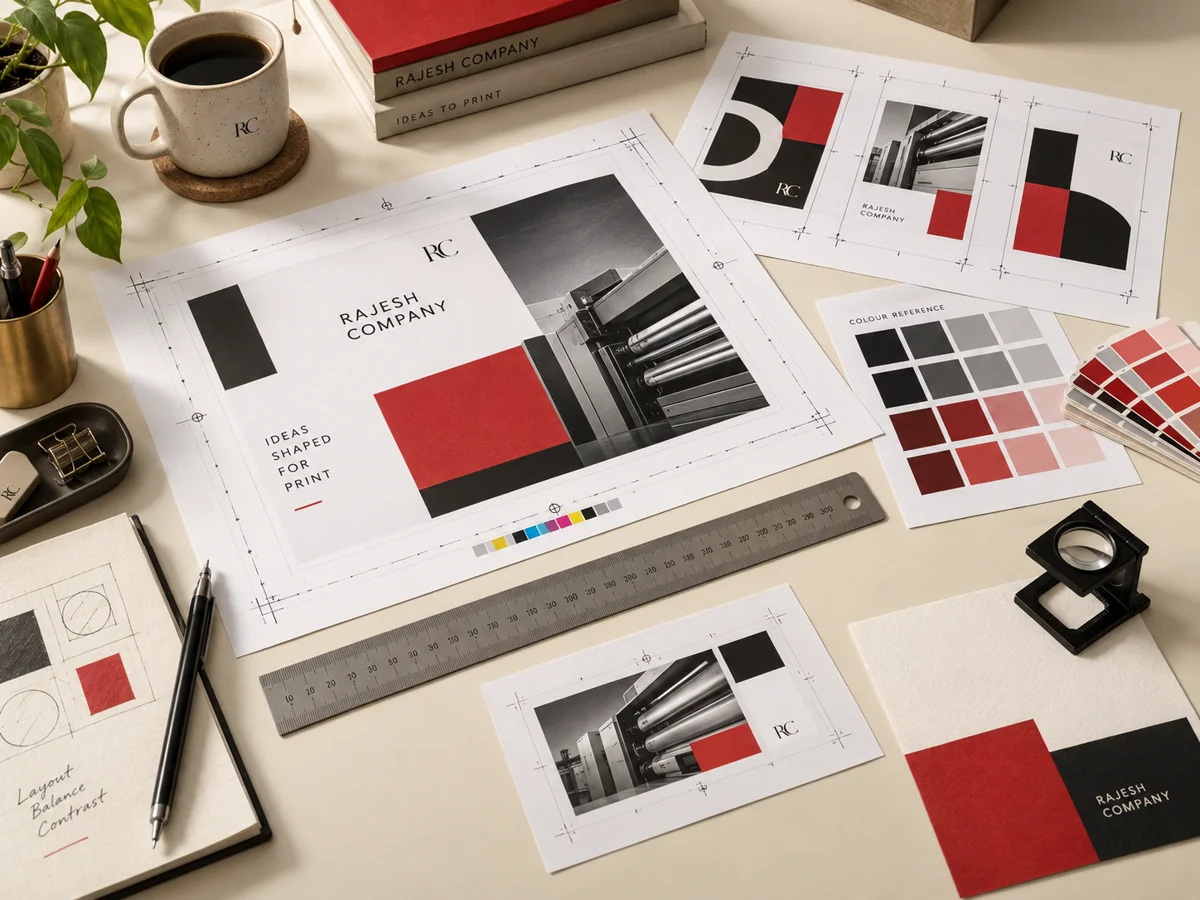
Printed examples illustrating artwork & prepress

Explore the techniques

A closer look at the processes and the details to prepare for your project.

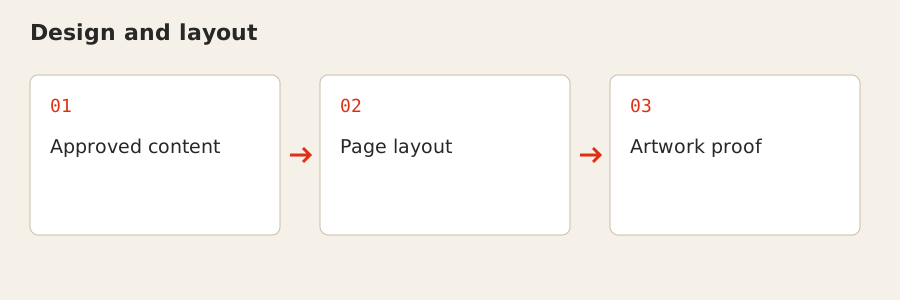
Design and layout: Approved content → Page layout → Artwork proof

Design and layout

Design arranges your text, images and branding into a printable layout. A clear hierarchy helps the reader find the main message, while the finished format gives the content its practical limits.

For your project

Bring approved copy, brand references and suitable images. For a multi-page publication, establish content order before final pagination and share the intended finished dimensions.
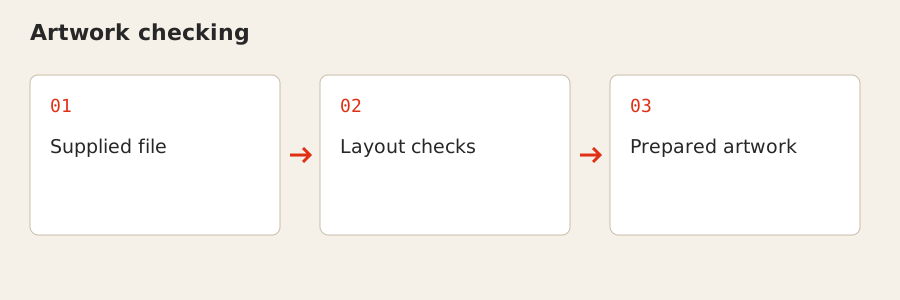
Artwork checking: Supplied file → Layout checks → Prepared artwork

Artwork checking

Artwork checking reviews the supplied file before production. Finished size, image quality, page order and relevant production marks need to agree with the print brief.

For your project

Send the latest approved version and identify any special finishes or variable fields. Checking a file helps identify preparation issues; responsibility for the approved text and supplied content remains with the customer.

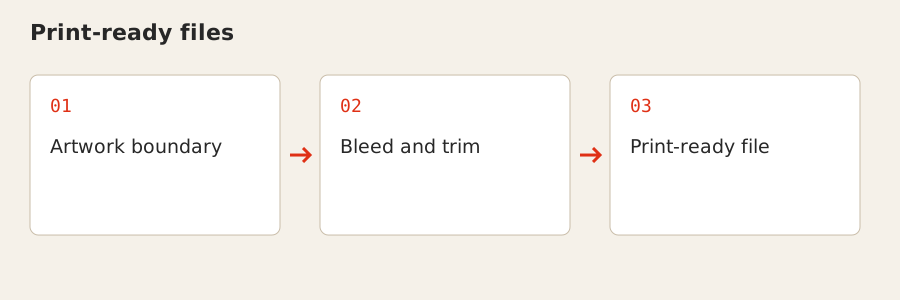
Print-ready files: Artwork boundary → Bleed and trim → Print-ready file

Print-ready files

A print-ready file brings the layout and necessary production information into one usable document. Bleed extends artwork beyond a trim edge, while crop marks indicate the intended cut boundary.

For your project

PDF with bleed and crop marks is ideal. AI, CDR and high-resolution JPG or PNG are also accepted; include the size and intended product so the file can be assessed in context.

Where it fits

  • Checking supplied print artwork
  • Design support for printed layouts
  • Preparing multi-page publications
Explore related products →

Start with your project

Share your artwork or reference, finished dimensions, quantity and intended use. Include your delivery location and required date.