Variable data & numbering

Variable-data printing changes selected information from one printed piece to the next. Sequential numbering gives each piece an identifier in an agreed sequence.

What the process means

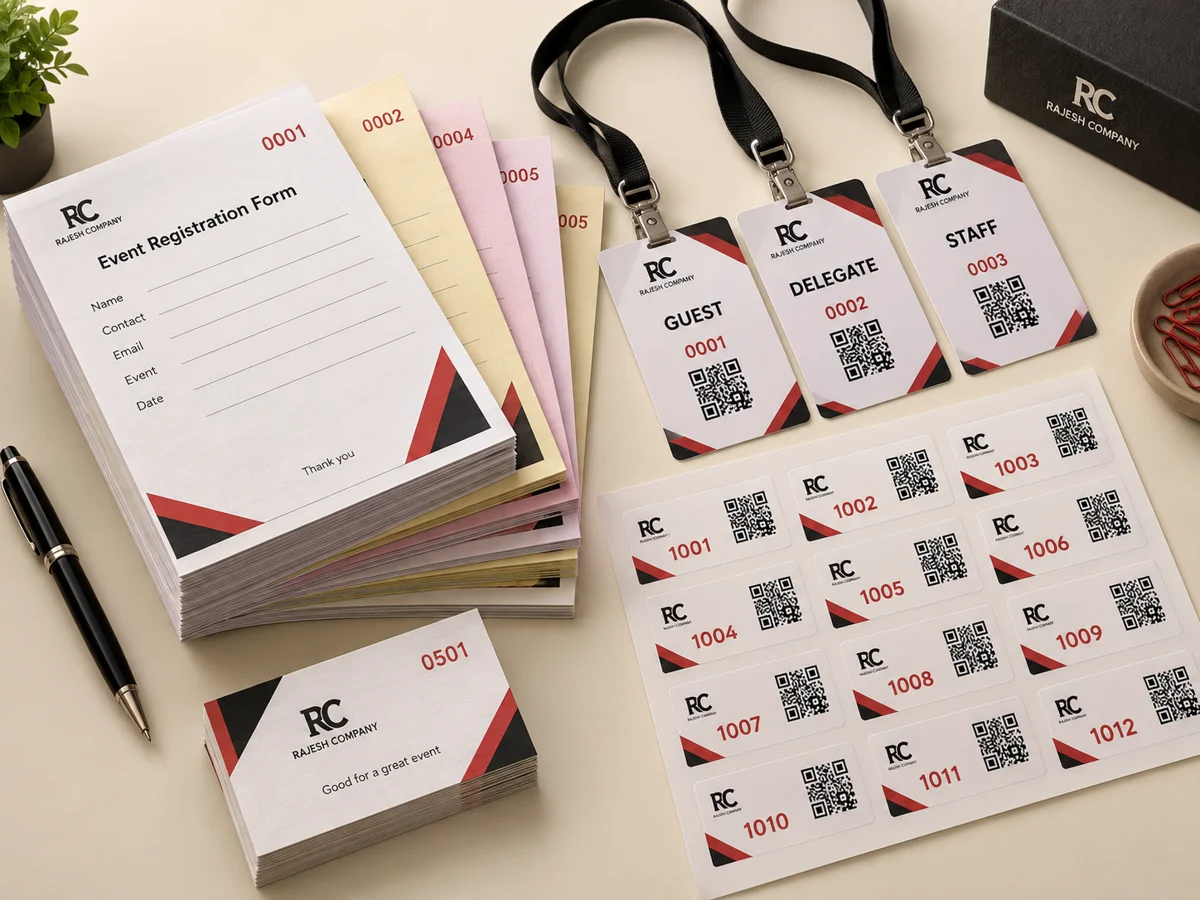
Names, photographs, identification fields, barcodes and QR data can be supplied for personalised jobs. Numbered forms and bill books use an agreed starting point and sequence. Check the source data and printed field layout together before approval.

Printed examples illustrating variable data & numbering

Explore the techniques

A closer look at the processes and the details to prepare for your project.

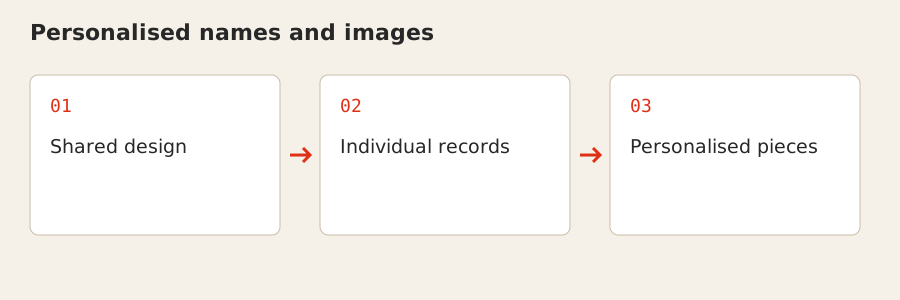
Personalised names and images: Shared design → Individual records → Personalised pieces

Personalised names and images

Personalisation changes selected fields from piece to piece while retaining the shared design. Names, photographs and identification details can belong to a structured source data set.

For your project

Useful for cards and passes. Check spelling, record order and image-to-person matching before supplying the approved data and template. Avoid including personal data that the job does not require.
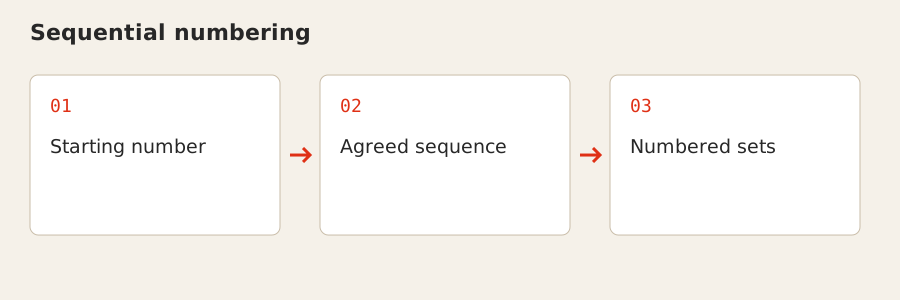
Sequential numbering: Starting number → Agreed sequence → Numbered sets

Sequential numbering

Sequential numbering assigns identifiers in an agreed order. The repeated form or label remains consistent while the printed number advances according to the sequence.

For your project

Useful for bill books, forms and controlled records. Include the starting number, sequence and printed number position, and explain how the copies or sets should correspond.

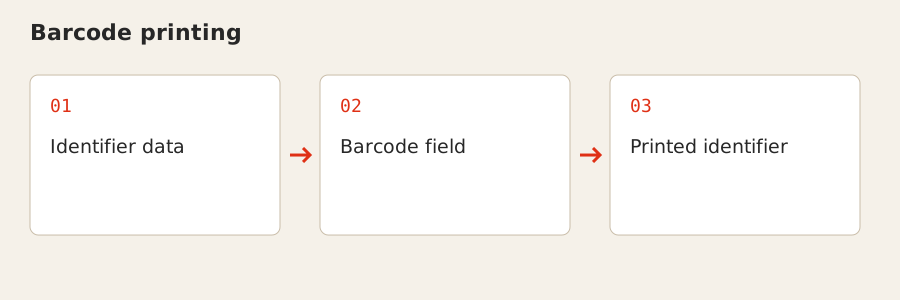
Barcode printing: Identifier data → Barcode field → Printed identifier

Barcode printing

Barcodes represent an identifier as a printed pattern that can be read by a suitable scanner. They add a machine-readable field to the artwork rather than replace the surrounding product information.

For your project

Supply the approved data and barcode requirements. Identify the final size and intended use so the printed field can be prepared; test it with the equipment and system used for the actual application.

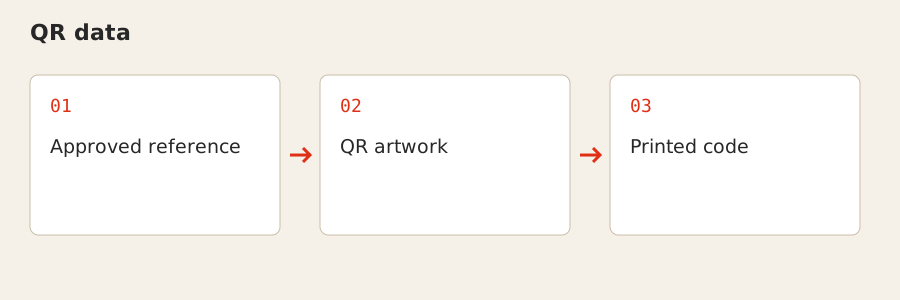
QR data: Approved reference → QR artwork → Printed code

QR data

QR printing places a supplied code or encoded reference into the design. The destination or content belongs to the approved data and should be checked before the code is printed.

For your project

Share the approved reference and code artwork where available. Leave appropriate space around the code in the layout and test the final reference before production.

Where it fits

  • Personalised cards and event passes
  • Numbered bill books and forms
  • Barcode and serialised labels
Explore related products →

Start with your project

Share your artwork or reference, finished dimensions, quantity and intended use. Include your delivery location and required date.